
Are Any Apps for Speech Development Actually Good?
The honest answer is that some apps can support speech and language practice, but apps do not replace real interaction with people. Young children learn communication best through back-and-forth moments: looking, listening, taking turns, copying, playing, laughing, requesting, protesting, and sharing attention with someone who responds to them. Current pediatric guidance continues to emphasize balanced media use and the importance of family interaction, especially for young children.
A good app may give parents ideas, create extra practice, or make therapy homework more engaging. A poor app may keep a child quiet, passive, overstimulated, or focused on tapping instead of communicating. The difference is not just the app itself. It is how the app is used, how long it is used, and whether an adult turns it into a language-rich experience.
This guide explains when speech apps may be helpful, what parents should look for, what warning signs matter, and how to use technology without letting it crowd out the everyday communication moments that build real speech and language skills.
How Apps for Speech Development Can Help When Used Well
Apps work best when they create real interaction
The most helpful apps for speech development are not the ones that simply flash pictures or reward fast tapping. They are the ones that give a child and caregiver something to talk about together. A picture, sound, short game, or silly animation can become useful when the adult pauses, comments, waits, and gives the child a reason to communicate.
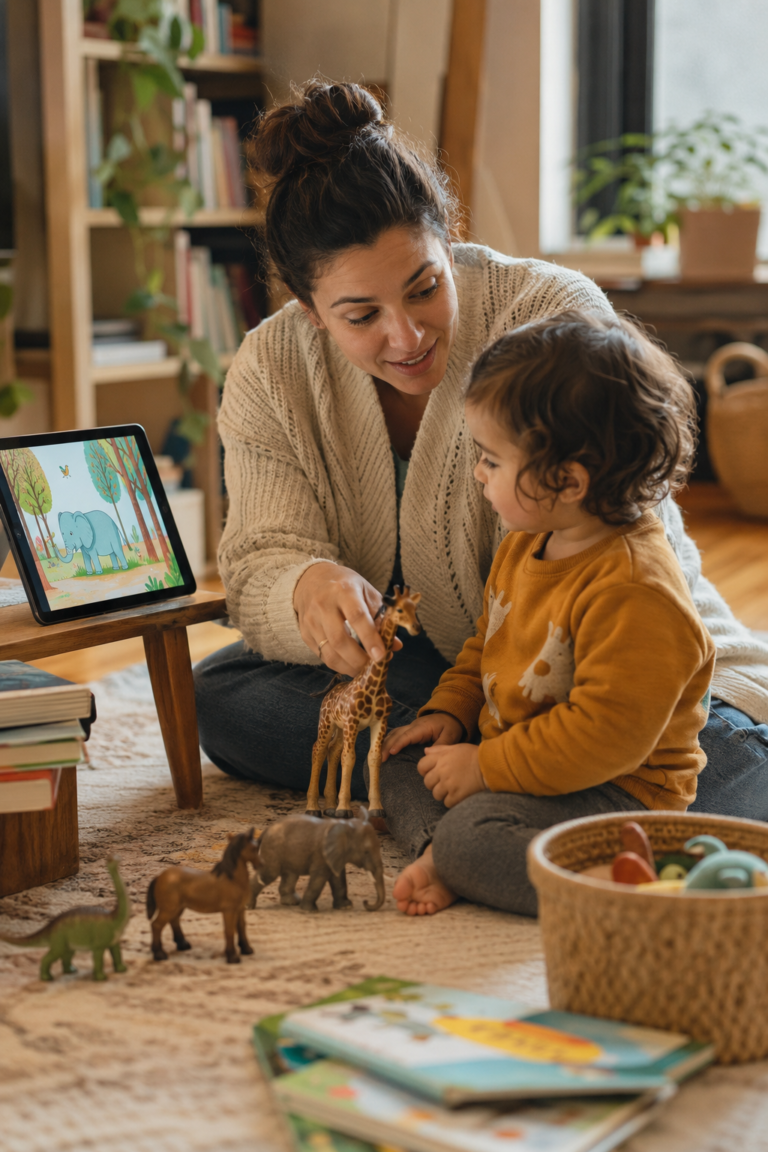
For example, an app showing animals is not automatically a language activity. But when a parent says, “I see a cow,” waits, makes the cow sound, offers a choice, or lets the child request “more,” the screen becomes part of a social exchange. The language growth comes from the shared moment, not from the device alone.
This is why speech-language pathologists often talk about active screen time instead of passive screen time. Active use involves turn-taking, talking, shared attention, and adult support. Passive use usually means the child watches or taps alone, with little need to listen, respond, imitate, or use communication.
Many of the same language-building strategies can be used without any technology. See How to Expand Your Child’s Language Without Drilling for simple ideas you can use throughout the day.
Apps may support practice between therapy sessions
For children already working with a speech-language pathologist, certain apps can be useful for home practice. This is especially true for speech sound practice, early vocabulary, following directions, simple sentence building, and parent coaching activities. Research reviews have found that there are many speech-related apps available, but quality and clinical usefulness vary widely.
A child practicing a sound like “s,” “k,” or “f” may enjoy using an app that shows target words, records productions, or turns repetition into a game. A child learning first words may benefit from simple picture-based activities when a parent models the word naturally and does not pressure the child to perform.
The key is matching the app to the child’s actual goal. A toddler who needs help using gestures and first words may not benefit from an app designed for school-age articulation practice. A preschooler working on clear speech may not need a general vocabulary game. The app should support the plan, not become the plan.
If you’re also wondering how much screen time is appropriate, read How Much Screen Time Is Too Much for a Toddler’s Speech?
Apps can give parents ideas, but they should not lead the relationship
Still, parents do not need an app to “teach speech” all day. Daily routines like snack time, bath time, getting dressed, book reading, pretend play, and outdoor walks are often better language opportunities than any screen. Children hear meaningful words in context, and they can connect those words with real actions, people, feelings, and objects.
A helpful mindset is this: the app is a tool, not the teacher. The adult is still the communication partner. When the app helps a parent talk, wait, respond, and connect, it may support speech development in a healthy way.

What Makes a Speech App Worth Using?
Look for apps that encourage talking, not just tapping
Apps that move too fast can make it harder for young children to slow down and communicate. If the child is only swiping, matching, or collecting rewards, the activity may look educational without building much spoken language. Speech and language grow through meaningful use, not just correct answers.
Before keeping an app, watch your child for a few minutes. Are they making sounds, looking at you, pointing, laughing with you, choosing, copying, or using words? Or are they silent, frustrated, glazed over, or upset when the app ends? Your child’s behavior tells you a lot about whether the app is supporting communication.
Choose simple apps over busy apps
For toddlers and preschoolers, simple is usually better. A farm animal app can become a rich speech activity if you practice animal sounds, action words, requesting, and pretend play. A digital storybook can support language if an adult talks about the pictures, asks gentle questions, and connects the story to the child’s life.
High-quality educational media may support some learning when used thoughtfully, but heavier solo or noneducational screen use is associated with developmental concerns, including language delays. This does not mean every screen is harmful. It means the quality, amount, timing, and social context matter.
Match the app to your child’s developmental level
It also helps to think about your child’s attention and regulation. Some children become very dysregulated by screens, even when the content seems educational. Others can use a short app activity calmly and then transition back to play. A good speech activity should not create a battle every time it ends.
When in doubt, use the app for a short time and then carry the same words into real play. If the app shows bubbles, blow real bubbles after. If it shows animals, play with toy animals next. If it shows food, use snack time to model the same words. This helps language move off the screen and into real life.
Where Apps Fall Short for Speech and Language Development
Apps cannot replace back-and-forth communication
This matters because communication is social before it is academic. A child learns that sounds and words have power when another person reacts. They point, and someone looks. They say “up,” and someone lifts them. They say “no,” and someone respects the message. These moments teach children why communication is worth using.
That is why a child can spend time with an educational app and still need more real-world communication practice. The goal is not to avoid all screens forever. The goal is to protect the human interaction that children need most.
Apps may not know why your child is struggling
An app usually cannot tell the difference in a meaningful clinical way. It may offer the same activities to many children, even though their needs are very different. That is one reason families should be careful with apps that promise fast results or suggest they can replace an evaluation.
CDC milestones and professional speech-language guidance can help parents notice when a child may need support, but milestone information should be used as a guide, not a source of panic. Children develop at different rates, and concerns are best discussed with a pediatrician, early intervention program, or speech-language pathologist.
Apps can crowd out better language opportunities
Parents are often relieved to hear that they do not need to create perfect therapy activities all day. Talking during routines, reading the same favorite book again, singing songs, narrating play, and waiting for a child to respond are powerful. They may look simple, but they are exactly the kinds of repeated, meaningful interactions young children need.
A good rule is to ask, “What is this screen replacing?” If it replaces a long stretch of quiet solo time with a short shared activity, it may be useful. If it replaces play, sleep, meals, outdoor time, book reading, or connection, it may be doing more harm than good.
When to Seek Help Instead of Relying on Speech Apps
Trust your concern, even if an app seems helpful
A speech-language pathologist looks at much more than word count. They may consider how your child understands language, uses gestures, plays, imitates, makes sounds, interacts socially, follows directions, and communicates needs. That fuller picture matters because two children with the same number of words may need very different kinds of support.
Seeking help does not mean something is seriously wrong. It means you are getting information. Many parents feel calmer after an evaluation because they leave with a clearer plan and practical strategies for home.
Signs an app is not enough
- Your child is not using gestures, sounds, or words to communicate needs.
- Your child seems to understand much less than expected for their age.
- Your child has lost words, gestures, or social communication skills they once used.
- Your child rarely imitates sounds, actions, or facial expressions.
- Your child is very frustrated because they cannot communicate clearly.
- Your child is difficult for familiar adults to understand most of the time.
- Your child is not combining words when other children their age usually are.
- Your child mainly uses the app silently and does not carry words into real life.
- Your child has a known hearing concern, developmental concern, or medical history that may affect communication.
Speech therapy can help parents use technology wisely
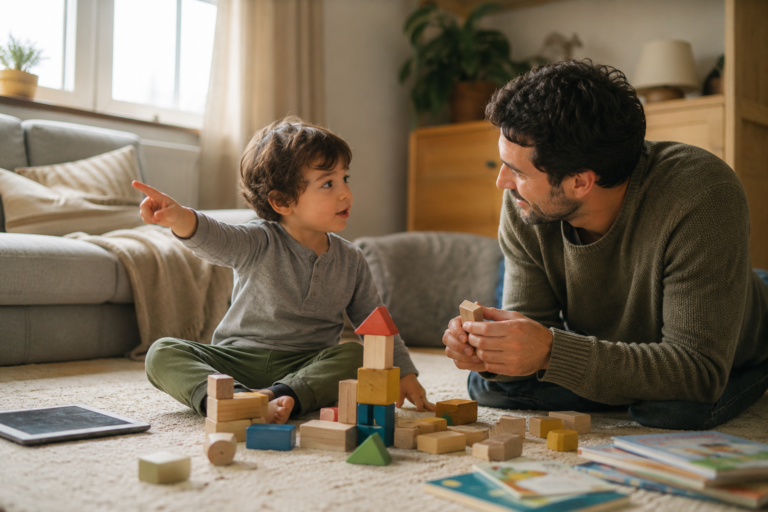
For some children, an app may be used for five minutes of sound practice. For others, the better choice may be no app at all and more hands-on play, books, movement, and routines. For children using AAC, technology may play a much more central role, but that is different from using a general speech development app.
The goal is not to make parents feel guilty about screens. The goal is to help families use tools in ways that support connection, communication, and confidence.
FAQs About Apps for Speech Development
Can apps really help my child talk?
An app used alone is much less likely to build meaningful communication. Children learn best when words are connected to real people, real actions, and real reasons to communicate.
What are the best apps for toddler speech?
There is no single best app for every toddler. A child who is working on first words needs something different from a child practicing speech sounds, answering questions, or building longer phrases.
How long should my child use a speech app?
It helps to end while the activity is still positive and then move into real play. Use the same words from the app with toys, books, snacks, songs, or routines so the language becomes useful beyond the screen.
Are speech apps better than YouTube videos?
That said, even educational videos should not take the place of conversation, play, reading, and daily routines. The most important question is not whether the content looks educational, but whether your child is communicating during and after it.
Can an app replace speech therapy?
Apps may support home practice, but they do not provide the same clinical judgment, adjustment, relationship, or parent coaching that therapy provides. They are best viewed as tools, not treatment by themselves.
What should I do if my child only wants the app and gets upset when it ends?
If screen transitions are consistently intense, the app may not be the right tool for now. Some children communicate and regulate better with books, songs, movement games, sensory play, or simple toys.
Not Sure Where Your Child Falls?
Answer a few questions and we’ll tell you whether their development
looks on track — or whether it’s worth talking to an SLP.
A Few Final Thoughts on Apps and Speech Development
Apps for speech development can be helpful, but they are not magic. The best app in the world still works better when a caring adult turns it into a shared communication moment.
For young children, speech and language grow through connection. Talking during play, reading together, singing, offering choices, waiting for a response, and noticing your child’s communication attempts are still some of the most powerful things you can do.
Use apps thoughtfully, briefly, and with a clear purpose. Look for tools that encourage interaction, not just tapping. Then bring the same words and ideas into real life, where communication matters most.
If you are worried about your child’s speech, trust that concern. You do not need to figure it out from an app store. A pediatrician, early intervention team, or speech-language pathologist can help you understand what your child needs and how to support them with confidence.
For more ideas about balancing technology, play, and everyday interactions during the early years, visit Zero to Three’s resources for families.